To find Facebook and Instagram ad interests, type a keyword into Detailed targeting in Meta Ads Manager, or run it through a Meta ads interest finder, a tool that pulls the same targeting data and puts audience sizes side by side. We built a free Meta ads interest finder for this: enter a product or niche, get related interests with their audience sizes, and copy them into Ads Manager. No login.
What an interest is
An interest is a label Meta attaches to people based on what they follow and react to. You add interests to an ad set so Meta shows your ads to people who match. “Sourdough baking” is an interest. So are a brand, a magazine or a hobby.
Two ways to find interests: Ads Manager or a Meta ads interest finder
1. Inside Ads Manager
Open an ad set, scroll to Audience and type a keyword into Detailed targeting, or click Browse to go through the categories. Meta suggests related interests as you type. It works, but you go one keyword at a time and can’t export the results.
2. With our Meta ads interest finder
- Type a product, hobby, brand or niche and pick the language of the categories: English, Croatian, German, Italian, French, Spanish and a few more.
- Read the table: interest, audience size, category. Filter to Related or Small audiences, and sort by size or A to Z.
- Tick the ones you want and copy them into Ads Manager, or download a CSV.
The sizes come from Meta’s Marketing API, so they are Meta’s own estimates. There is no sign-up, no Facebook login and no email.
How to read audience size
The number is Meta’s estimate of monthly active people, worldwide in our tool, and it moves over time. Use it to compare interests with each other, not to plan reach to the last person. In Ads Manager you can narrow by country, and that matters: an interest with millions of people worldwide can be small in your market.
Look at the Related filter too. The interests next to your keyword often beat the keyword itself, because they show how Meta groups the topic.
Why test small audiences
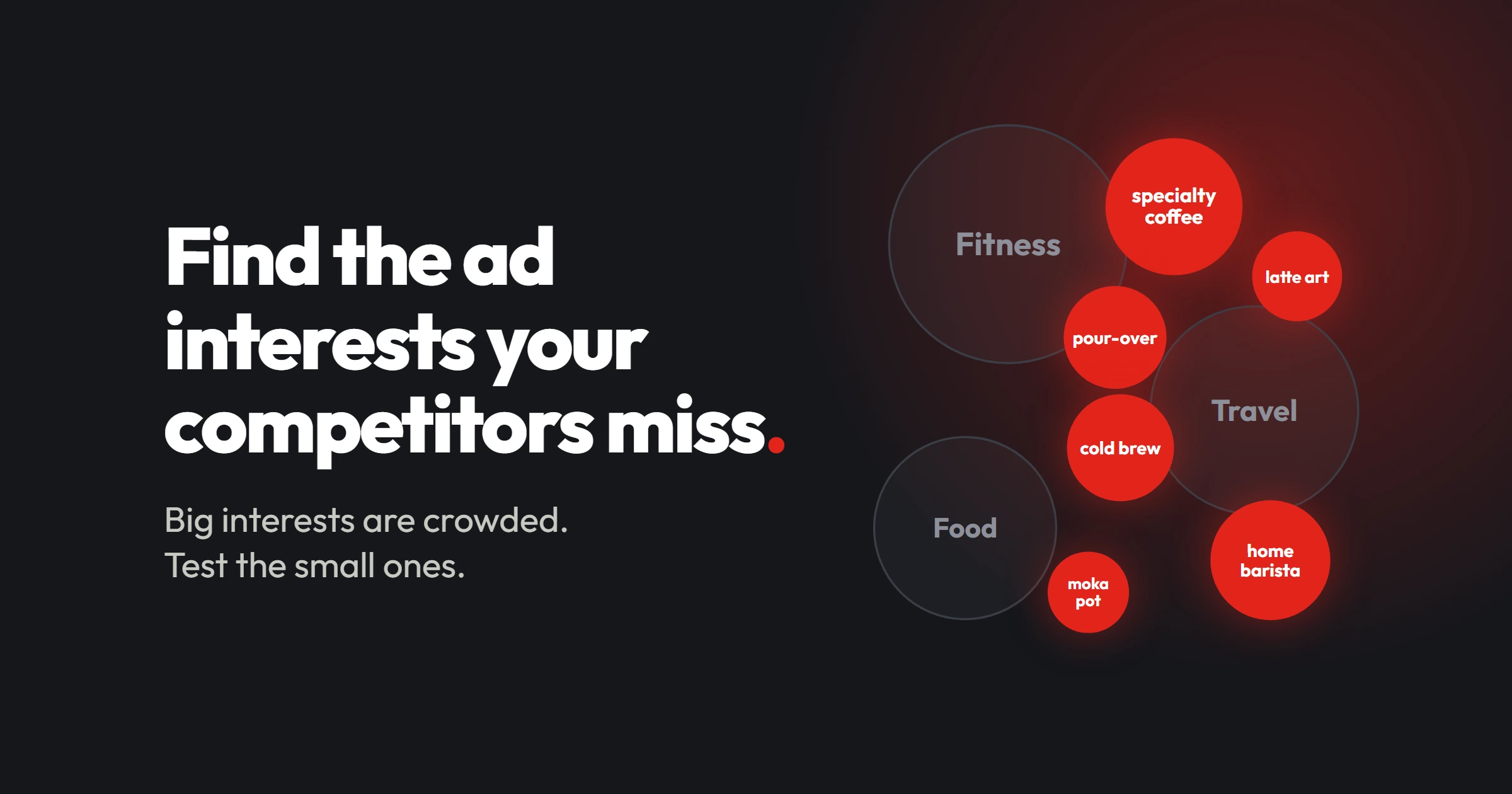
Broad interests like Fitness or Travel are the obvious pick, which makes them crowded. Smaller, more specific interests are less crowded and usually cheaper to test. They also tell you something: if a narrow interest converts, you have found a segment to write creative for. In our tool, anything under 1 million people counts as small.
Small doesn’t mean better. Very small audiences can limit delivery, and Meta’s data on niche interests can be thin. We run them as tests, not as a rule.
What changed in Meta’s interest targeting
Meta has been merging and retiring detailed targeting options. Its developer blog said existing campaigns using the affected options would stop delivering by 15 January 2026 unless they were switched to the suggested combined options. Search for a retired interest now and you get the merged one instead, which is why a tool may suggest a close relative of what you typed.
In Advantage+ setups, the interests you add are suggestions: Meta can go beyond them when it predicts better results. Treat interests as a starting signal. They give the campaign a first audience and a creative direction, and the results decide the rest.
The options change often, so check what your own Ads Manager offers today.
A simple way to test what you found
- Group three to five related interests in one ad set. One ad set, one idea. For a specialty coffee shop that could be one ad set on pour-over and latte art, and another on home barista and moka pot.
- Keep creative and budget the same across ad sets. Otherwise you are comparing ads, not audiences.
- Judge by cost per result and ROAS once each ad set has had enough spend. Our ROAS and break-even calculator gives you the number to beat.
- Keep the winner and run the next round with fresh interests from the Related list.
Questions we get
Is the Meta ads interest finder free?
Yes. No sign-up, Facebook login or email.
Where does the Meta ads interest finder get its data?
From Meta’s Marketing API, so the audience sizes are Meta’s own estimates.
Why is an interest I know missing?
Meta retires and renames interests. When that happens, the closest related one is suggested instead.
Does interest targeting still work?
As a starting signal, yes. In Advantage+ setups it is no longer a strict filter, so test interests against each other and let the results decide.
Try the Meta ads interest finder. If you would rather have us build and run the campaign, see our marketing and automation service or start a project.